
Maximize Your E-commerce Success with Noddit Insights
Find quick and clear answers to frequent questions about navigating and optimizing Noddit Shop.
How do I set up my first store on Noddit Shop?
Begin by registering an account, then follow our step-by-step guide to launch your first multi-store setup.
How can I manage multiple storefronts efficiently?
Utilize Noddit’s centralized dashboard to oversee and update all your stores in one place seamlessly.
What payment methods does Noddit Shop support?
Noddit supports major credit cards, PayPal, and various regional payment gateways for global reach.
Can I customize my store’s layout and design?
Yes, Noddit offers flexible themes and customization tools to tailor your store’s look to your brand.
How do I track orders across different stores?
Our platform provides unified order management with real-time tracking for all your stores.
Is there customer support available if I need help?
Yes, Noddit offers dedicated support through chat, email, and extensive online resources.
Comprehensive Tutorials for Mastering Noddit Shop
Discover essential tips and tutorials crafted to help you navigate and maximize Noddit Shop.
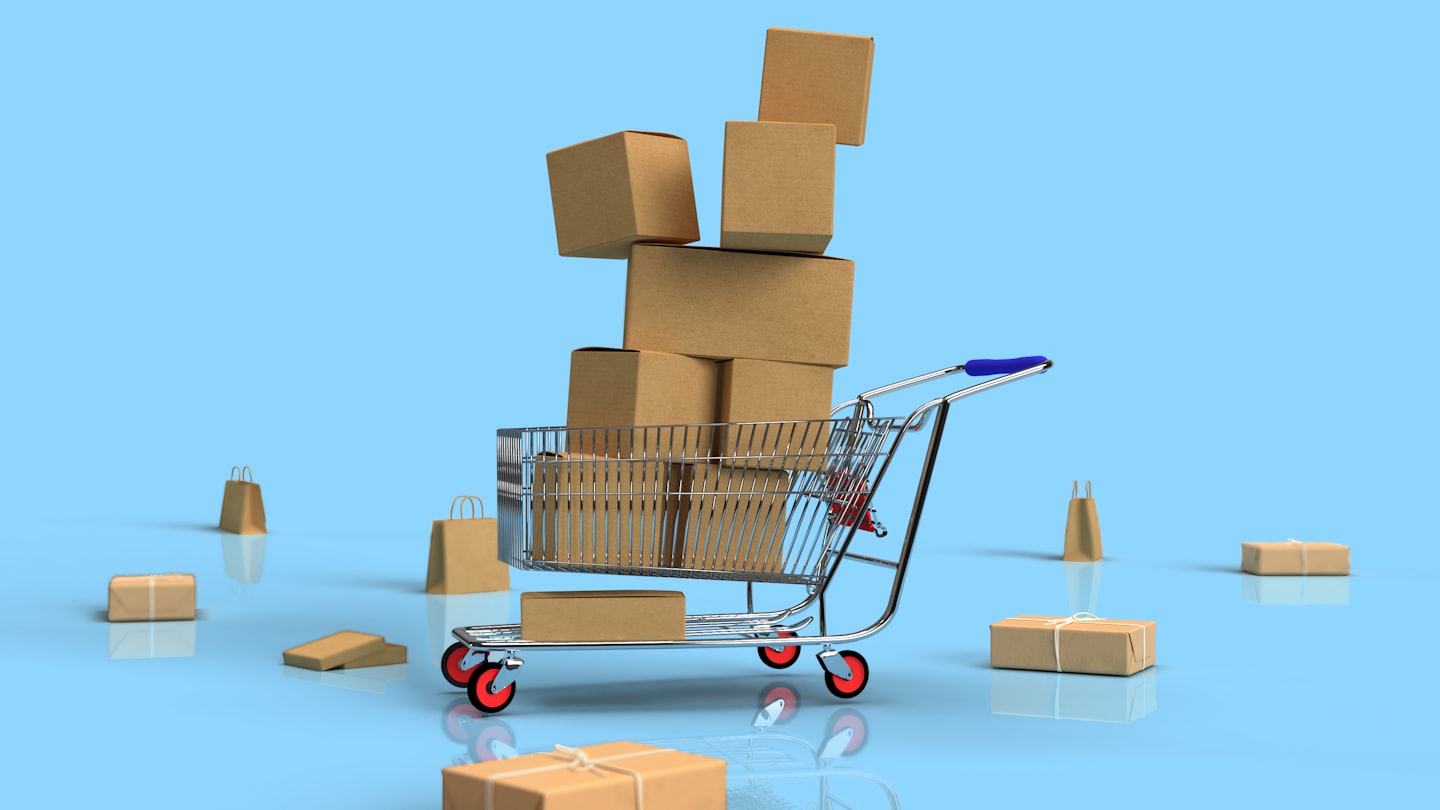
Getting Started
Understand the basics to confidently set up and manage your e-commerce stores.
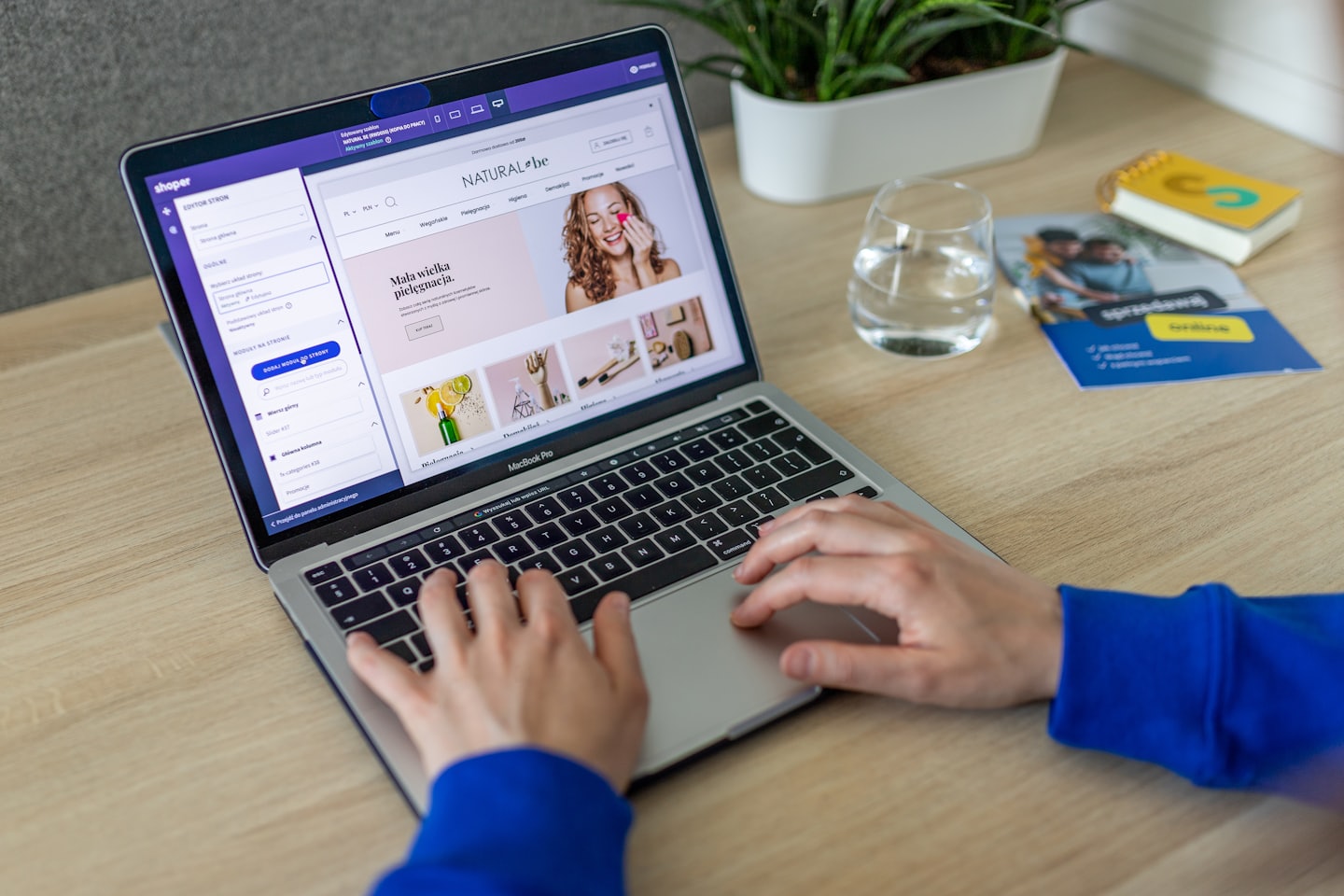
Advanced Features
Unlock expert strategies to optimize your multi-store platform experience.
Troubleshooting & Tips
Find solutions and best practices to resolve common issues and improve efficiency.
How Noddit Shop Works
Explore clear, step-by-step instructions designed to help you navigate Noddit Shop and unlock its full potential.

Step One: Setting Up Your Store
Begin by creating your multi-store account and configuring your dashboard to tailor the platform to your needs.

Step Two: Adding Products
Learn how to efficiently list products across multiple stores and manage inventory seamlessly within the platform.

Step Three: Managing Orders
Discover how Noddit Shop helps you track orders and streamline fulfillment for an exceptional customer experience.